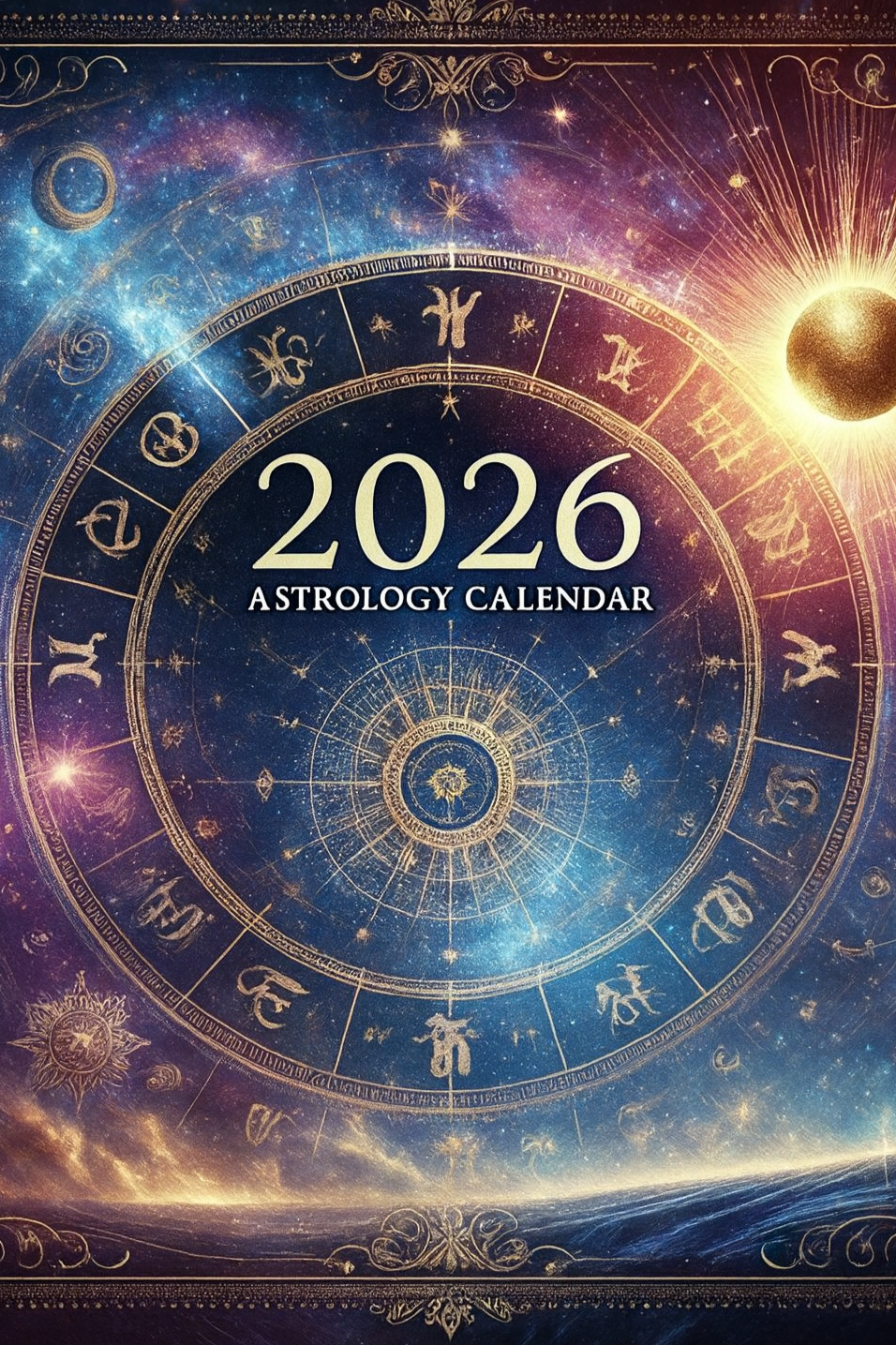
Astrology Transit Calendar 2026

$20.26

This Astrology Calendar is a comprehensive guide to all the major transits of 2025 and a NECESSITY for anyone looking to keep track of the stars.

Includes:

  • all aspects to the luminaries and planets, plus chiron, the nodes, and lilith

  • ingresses of all the planets

  • mercury retrograde transits (including pre- and post-shadow

  • monthly lunations

  • daily moon tracking

  • new Void Of Course (VOC) moon schedule

Having this calendar on your iCal or google calendar will give you the ability to have more insight of what is vibrating on the cosmic level!

This Astrology Calendar is a comprehensive guide to all the major transits of 2025 and a NECESSITY for anyone looking to keep track of the stars.

Includes:

  • all aspects to the luminaries and planets, plus chiron, the nodes, and lilith

  • ingresses of all the planets

  • mercury retrograde transits (including pre- and post-shadow

  • monthly lunations

  • daily moon tracking

  • new Void Of Course (VOC) moon schedule

Having this calendar on your iCal or google calendar will give you the ability to have more insight of what is vibrating on the cosmic level!

Thank you for purchasing the Astrology Transit Calendar! Follow the instructions below to import the calendar into your preferred app.

For Apple Calendar (iCal) Users:

  1. Open the Calendar app on your Mac.

  2. Go to the top menu and click on File > Import.

  3. Find and select the downloaded .ics file on your computer.

  4. Choose the calendar you want to import the events to, or create a new one if you'd like.

  5. Click OK, and the events will be added to your calendar.

On iPhone/iPad:

  1. Open the downloaded .ics file directly from your email or file manager.

  2. Your device will automatically prompt you to add the calendar. Tap Add All to import it into your Calendar app.

For Google Calendar Users:

  1. Open Google Calendar on your desktop.

  2. In the top right corner, click the gear icon and select Settings.

  3. From the left-hand menu, click Import & Export.

  4. Under the Import section, click Select file from your computer and choose the downloaded .ics file.

  5. Choose which calendar you want to import the events to, or create a new calendar.

  6. Click Import, and the events will be added to your Google Calendar.

If you have any questions or need further assistance, feel free to reach out. Enjoy your astrology calendar! ✨